Microsoft wants you to recycle or trade-in your Windows 10 PC if it can’t be upgraded to Windows 11

- Update Time : Monday, September 22, 2025
- 77 Time

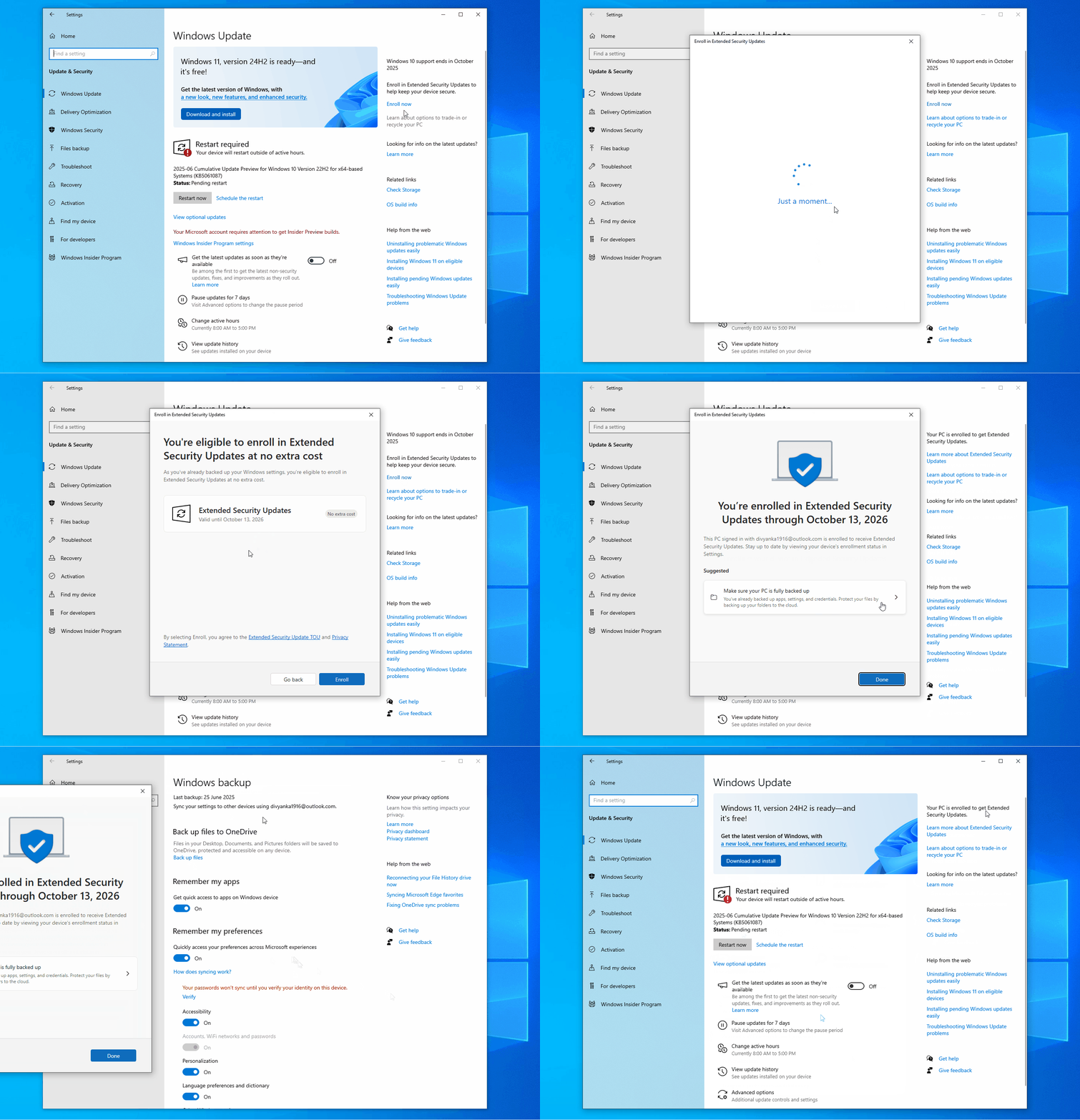
You can keep using Windows 10 securely after October 14, 2025, when you choose to extend security updates. This can be done by linking your PC to a Microsoft account and syncing settings to OneDrive. But if you don’t want to opt for ESU (Extended Security Updates), Microsoft says you should either get Windows 11 or just recycle or trade in your old PC.
I noticed that Microsoft quietly added a new “Learn about options to trade-in or recycle your PC” toggle to the Windows Update page. This comes as part of recent changes shipping to Windows Update on Windows 10.
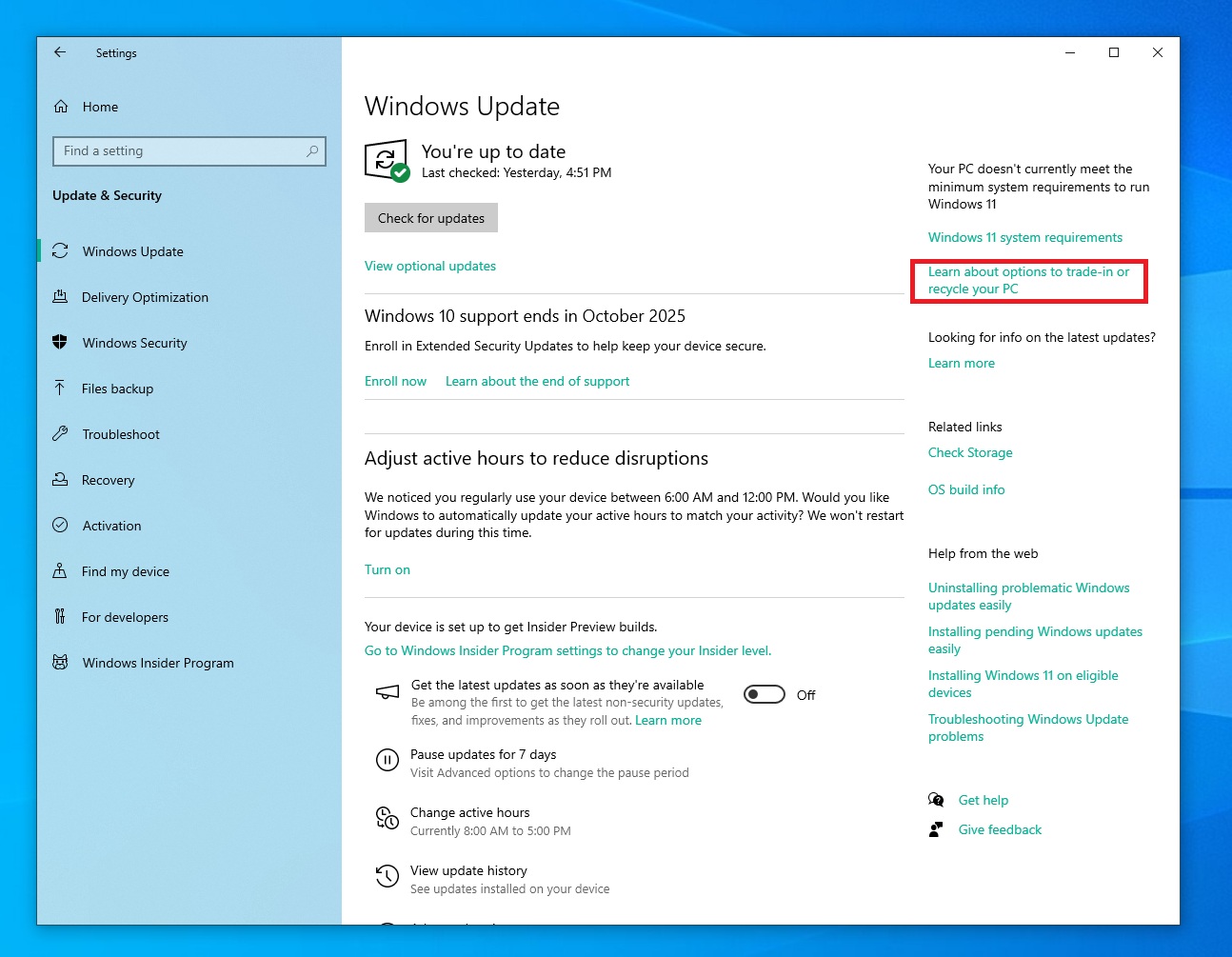
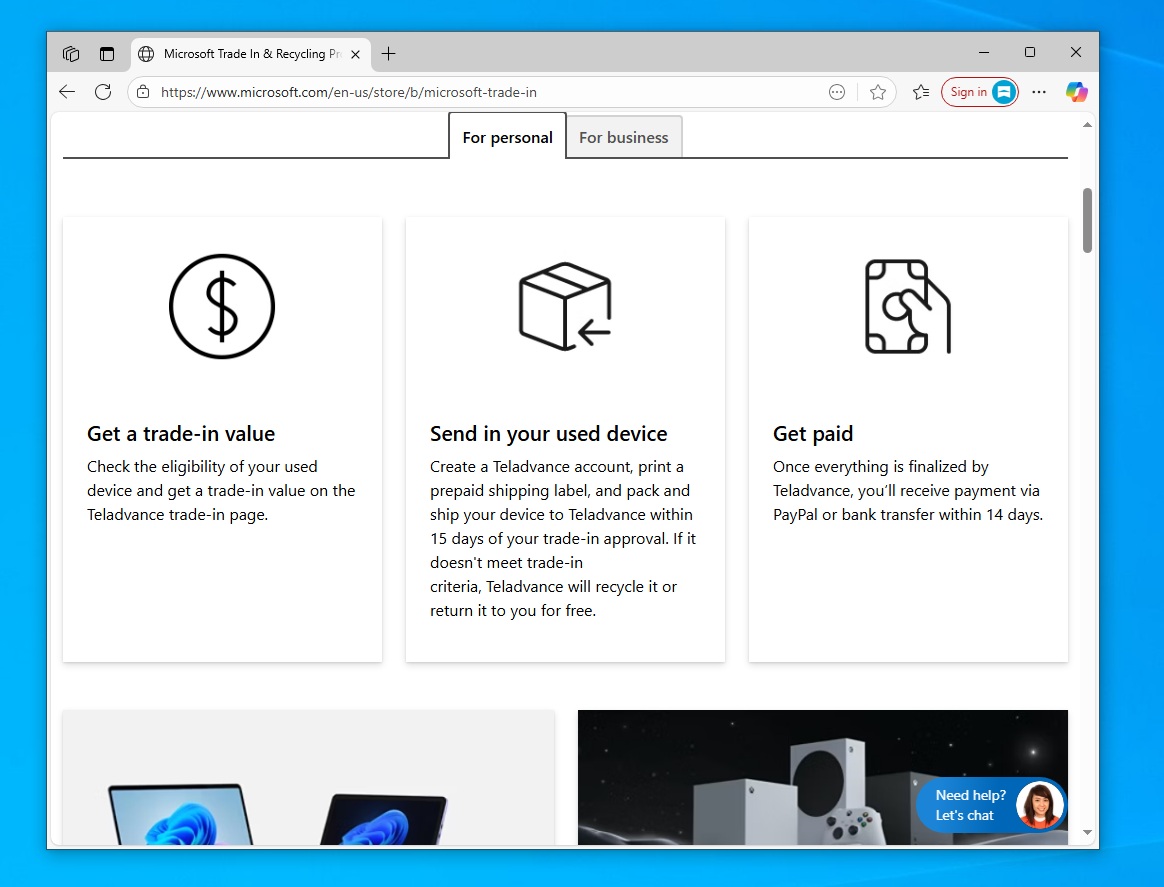
If you tap on the link, it opens the Microsoft Store Online Trade-in Program, where you can either trade in the Windows 10 PC for a specific value (depending on several factors) or “recycle for good.” This is an option when the trade-in request is not approved.
By trading in your old PC, Microsoft is preparing for 2026, when Windows 10 finally reaches the end of life and no extended updates are released.
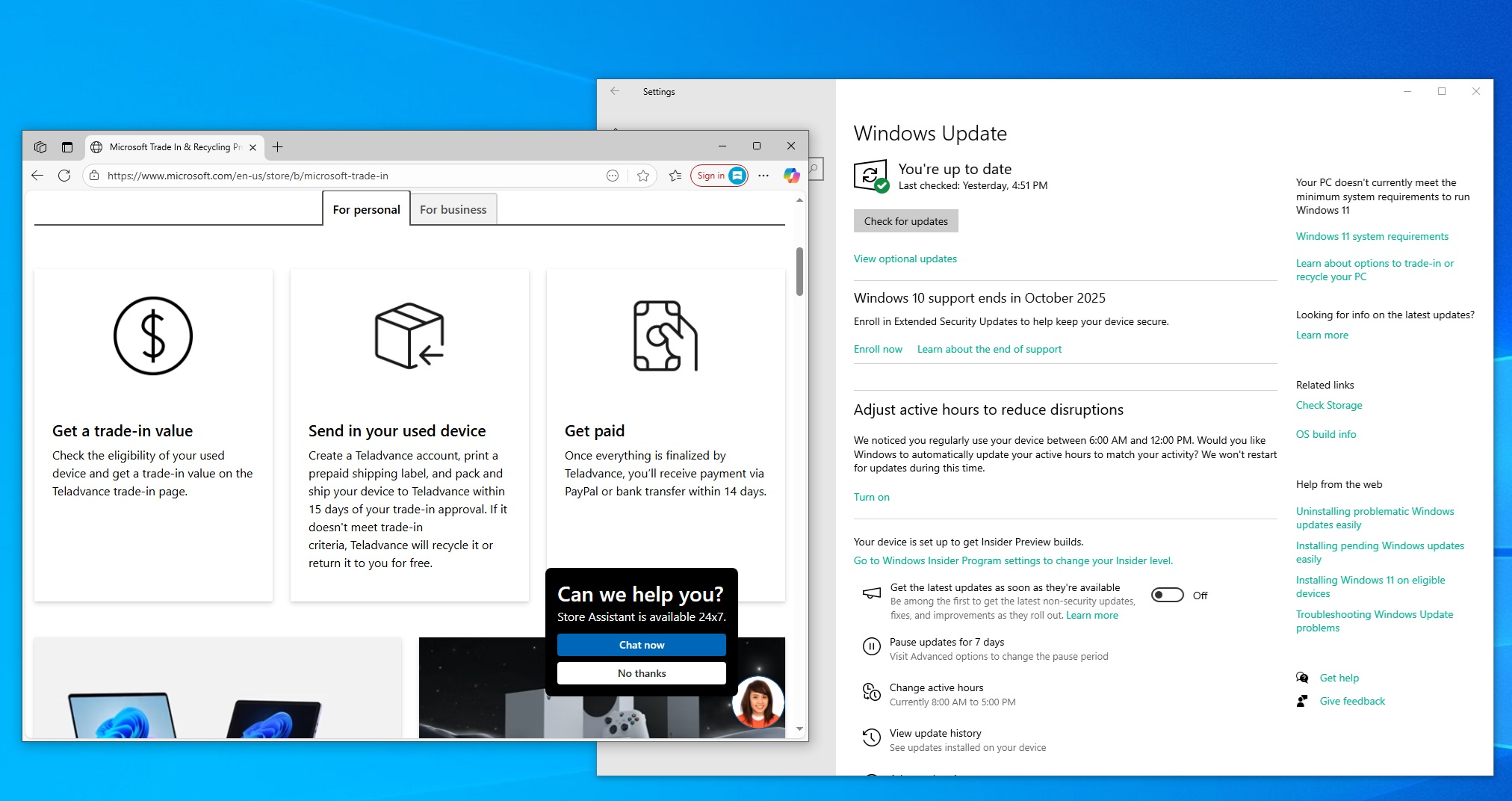
At that point, Microsoft might nudge people to trade in or recycle their PCs if Windows 11 is not supported on the hardware. Of course, you can always bypass hardware requirements and upgrade to Windows 11, but that’s not something you’d expect Microsoft to promote openly.
Instead, Microsoft might prefer that you trade in the hardware and get a value back, then use that value to shop for a Copilot+ PC.
Microsoft has partnered with Texas-based Teladvance for trading in and recycling Windows PCs, but if you’re not based in the United States, there might be a different partner in your location.
It appears that the toggle shows up everywhere (and is rolling out), so you’ll have it even when the Microsoft trade-in program does not exist in your country, but the link won’t open.
Microsoft says you should locate a “recycling service in your region to help divert electronic waste from landfills” and dump your old Windows 10 PC.